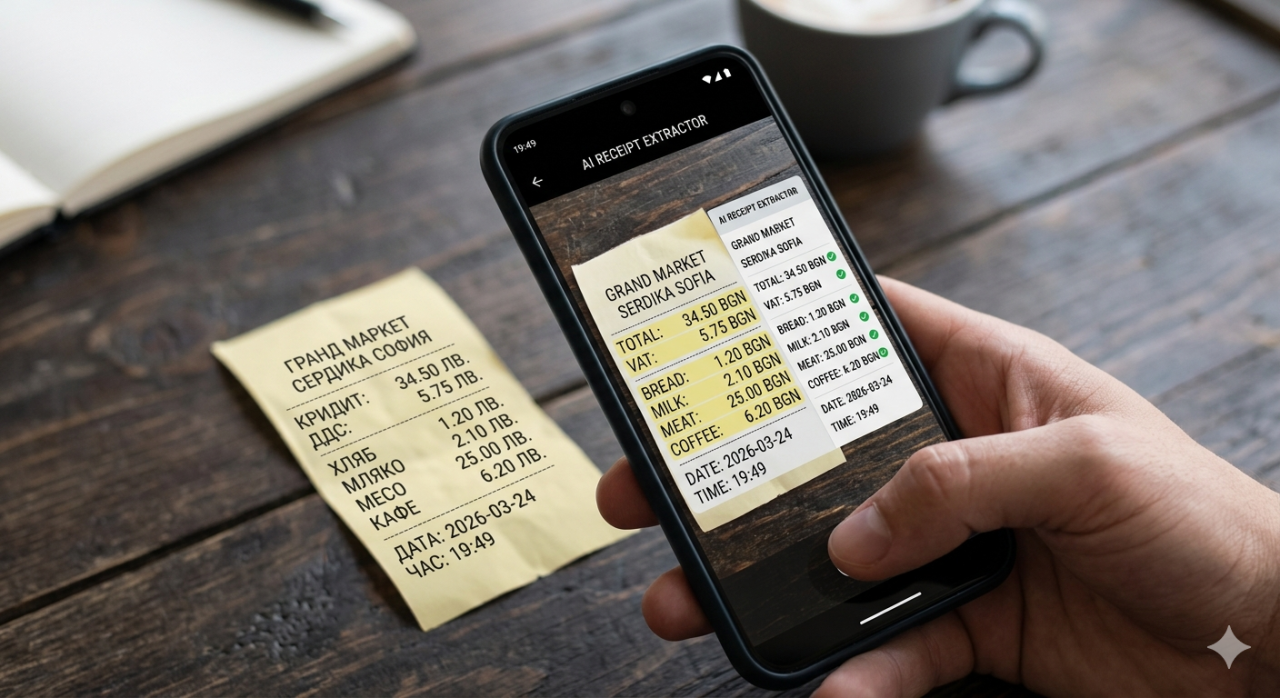
Lab Results From Three Different Dates Scanned and Compared Without Touching a Spreadsheet
Three printouts from three different lab visits sat on the desk in a stack. January, April, and September. Each one was a full page of numbers, abbreviations, reference ranges, and flags. Hemoglobin, white blood cell count, cholesterol panel, liver enzymes, thyroid function, vitamin D, iron studies. The printed format was different for each one because two came from the same lab and one came from a different facility that uses a completely different reporting template. Comparing these results manually means creating a spreadsheet, typing in every value by hand, double-checking each entry against the printout because a mistyped decimal point in a medical context is not a minor error, and then building some kind of visual comparison to see which values went up, which went down, and which crossed the boundary between normal and abnormal. This process takes about an hour for three reports and produces a spreadsheet that is useful exactly once.
Scanning all three reports through scan.yeb.to took less than ten seconds total. Each printout was photographed with a phone camera. Each photo was uploaded. Each scan returned structured data with every test name, value, unit, and reference range extracted and organized. The comparison across all three dates was immediate: hemoglobin stable across all three readings, cholesterol trending downward after a dietary change in March, vitamin D climbing from deficient in January to normal by September after supplementation started. No spreadsheet. No manual data entry. No squinting at printouts trying to find the same test across three different report formats. The AI understood that "Hb" on one report and "Hemoglobin" on another referred to the same measurement, and it normalized the naming so that the comparison was apples to apples.
The ability to track health data over time without manual effort changes the relationship most people have with their lab results. Without easy comparison, lab printouts are point-in-time snapshots that get discussed with a doctor once and then filed away. The trends they reveal, the gradual improvements or deteriorations that only become visible across multiple data points, remain locked in paper because extracting them requires more effort than most people are willing to invest. When the extraction is automated and the comparison is instant, those trends become visible and actionable. A vitamin D level that improved from 18 to 32 over six months is not just a number; it is confirmation that the supplementation protocol is working. A liver enzyme that crept from 35 to 42 to 51 across three readings is a trend that warrants a conversation with a doctor, even though each individual reading might still fall within the "normal" reference range.
The Problem With Paper Lab Reports in a Digital World
Medical laboratories produce some of the most valuable data a person can have about their own body, and they deliver it in one of the worst possible formats. Printed paper. The fonts are small. The abbreviations are inconsistent. The reference ranges are presented in formats that vary between labs, sometimes as a simple range like "4.0-10.0" and sometimes as a more cryptic notation that requires medical training to interpret. The paper itself is usually standard printer output on thin stock that fades, wrinkles, and tears over time. Five years of lab results stored in a folder produce a stack of pages that are progressively harder to read and virtually impossible to analyze without transcribing everything into a digital format first.
Digital lab portals exist, of course, and some labs offer online access to results. But these portals are typically locked to a single laboratory network. Switch labs, and the history does not transfer. Visit a specialist who uses a different lab than the general practitioner, and those results live in a separate system with separate login credentials and no connection to the primary lab record. The fragmentation is the norm rather than the exception, and the result is that most people's lab history is scattered across multiple portals, multiple paper files, and multiple folders on phones where photos of printouts were taken and then forgotten. Bringing all of this data together into a unified, comparable format requires either extraordinary personal organization or a tool that can read any lab report regardless of format and extract the data automatically.
The AI document scanner handles this fragmentation by design. It does not require a specific report template, a specific lab provider, or a specific format. It reads the document as a human would, understanding that a table of test names and values is a table of test names and values regardless of whether the table uses gridlines or whitespace to separate columns, whether the test names are full English words or abbreviated codes, and whether the reference ranges appear in the same column as the values or in a separate column. This format-agnostic approach means that lab results from any provider, any country, and any time period can be scanned and compared on equal terms.
Tracking Health Trends Across Months and Years
The real value of scanned lab results becomes apparent not on the first scan but on the third, fourth, and fifth. A single lab report tells you where things stand today. Two reports show a direction. Three or more reports reveal a trajectory, and trajectories are what matter most in health management. A cholesterol level of 220 mg/dL is concerning as an isolated number, but the context changes everything. If the previous two readings were 260 and 240, the trajectory is positive: the dietary changes or medication are working, and the number is heading in the right direction. If the previous two readings were 190 and 205, the trajectory is concerning: something has changed, and the upward trend needs attention before it continues further.
Doctors see patients a few times per year and typically have time to review the most recent results in detail but not to reconstruct a multi-year trend analysis during a fifteen-minute appointment. Arriving at a medical appointment with a clear summary of how key values have changed over the past twelve months transforms the quality of the conversation. Instead of discussing isolated numbers, the conversation can focus on trends, on what interventions produced what changes, on whether the current approach is working or needs adjustment. The patient who brings trend data to their appointment is a patient who gets more value from the limited time available, and the doctor who receives that data can make more informed decisions than the doctor who is seeing only the most recent snapshot.
For chronic conditions that require ongoing monitoring, this trend visibility is not optional. Thyroid patients who track TSH, T3, and T4 over years can see exactly how medication dosage changes affect their levels. Diabetics tracking HbA1c can correlate dietary phases with glycemic control across quarters. Patients on statins can verify that their medication is producing the expected cholesterol reduction over time. In every case, the pattern is the same: the data exists on paper, the paper is difficult to analyze manually, and the gap between having the data and using the data is exactly the gap that automated scanning closes. The scanner at scan.yeb.to bridges that gap with a fast scan that turns a paper printout into structured, comparable, trackable data.
Privacy and What Happens to Scanned Medical Documents
Medical data is among the most sensitive categories of personal information, and any tool that processes it must handle that sensitivity appropriately. The scanning process involves uploading a photo of a document, processing it through AI extraction, and returning structured data. The question that every health-conscious user rightly asks is: what happens to that photo and that data after the extraction is complete? The answer matters because medical documents contain not just test results but also patient names, dates of birth, identification numbers, and other personally identifiable information that must be treated with care.
The processing pipeline is designed to minimize data retention. The uploaded image is processed, the extracted data is returned, and the intermediate artifacts of that processing do not persist beyond what is necessary to complete the request. The structured output belongs to the user, stored wherever they choose to keep it, whether that is the expense tracking system at receipts.yeb.to, a personal health folder, or an export to another application entirely. This approach treats the scanner as a processing tool rather than a storage platform, which aligns with the principle that users should control where their sensitive data lives rather than having it accumulate in yet another cloud service.
The broader point about medical document scanning is that the technology should remove barriers, not create new ones. The barrier it removes is the manual effort of transcribing printed lab results into digital format. The barriers it must not create are privacy concerns, data security issues, or vendor lock-in that traps medical history inside a proprietary platform. A scanner that extracts data and hands it back in a standard, portable format respects both the user's time and their autonomy over their own health information. That combination of efficiency and respect for data ownership is what makes the difference between a tool people use once out of curiosity and a tool they integrate into their ongoing health management routine.
Beyond Lab Results and the Broader Document Scanning Ecosystem
Lab results are one of eight document types that the scanner handles, and they illustrate a pattern that applies across all of them: unstructured paper contains structured information that becomes dramatically more useful once extracted. Receipts contain line items and totals. Invoices contain vendor details, payment terms, and amounts due. Prescriptions contain medication names, dosages, and instructions. Business cards contain names, titles, phone numbers, and email addresses. Bank statements contain transactions with dates, descriptions, and amounts. Each of these document types has its own format variations, its own abbreviation conventions, and its own structural quirks, and the AI scanner handles all of them through the same upload-and-extract workflow.
The versatility of a single scanning endpoint that handles multiple document types eliminates the need for specialized apps for each category. One scanner for receipts, another for business cards, a third for medical documents, a fourth for invoices: this is the fragmented landscape that most users navigate today, with each app having its own interface, its own account, and its own data silo. A unified scanner that accepts any document photo and returns appropriate structured data regardless of the document type simplifies the entire process into a single, consistent workflow. Photograph whatever document needs digitizing, upload it to scan.yeb.to, and receive structured data formatted for that document type. The simplicity of that workflow is what makes the difference between a tool that gets used when someone remembers it exists and a tool that becomes a reflex whenever paper needs to become data.
Frequently Asked Questions
Can the scanner read lab reports from different laboratories and formats
Yes. The AI scanner understands document structure rather than relying on specific templates, which means it handles lab reports from different providers, different countries, and different reporting formats. Whether the report uses abbreviations or full test names, gridlines or whitespace, the scanner extracts the test names, values, units, and reference ranges consistently across formats.
How does the scanner compare results from different dates
Each scanned report produces structured data with standardized test names. When multiple reports from different dates are scanned, the values for the same test can be compared directly. The AI normalizes naming variations, such as "Hb" versus "Hemoglobin," so that comparisons are accurate even when the source reports use different terminology.
Is manual data entry required after scanning
No. The extraction is fully automatic. Every test name, value, unit, and reference range is parsed from the document image without any typing or correction required from the user. The extracted data can be reviewed for accuracy, but manual entry of values is not part of the workflow. The entire process from photo to structured data takes approximately moments.
What about the privacy of scanned medical documents
The scanning pipeline processes the uploaded image, extracts the structured data, and returns it to the user. The design minimizes data retention, treating the scanner as a processing tool rather than a storage platform. Users control where their extracted data is stored and how it is used, without medical information accumulating in a third-party service.
Can the scanner handle handwritten lab notes or only printed reports
The scanner is optimized for printed lab reports, which is what the vast majority of clinical laboratories produce. Handwritten notes present significantly greater recognition challenges and are not the primary use case. For standard printed lab output, including dot-matrix and thermal printer formats, the extraction accuracy is high regardless of print quality.
Does this replace medical record keeping apps
The scanner complements rather than replaces dedicated medical record systems. It solves a specific problem: getting data off of printed paper and into digital format quickly. The structured output can be exported to any record-keeping system the user prefers. For users who do not have a formal medical record system, the scanned data itself becomes the beginning of a personal health tracking practice that would not exist without frictionless data capture.